Quick Tour
AI Prompt Leak Guard watches the prompt box on supported AI sites and checks the text before it leaves the browser.
Warning Before Sending
When a prompt includes private details, the user sees a clear warning and can clean it up first.
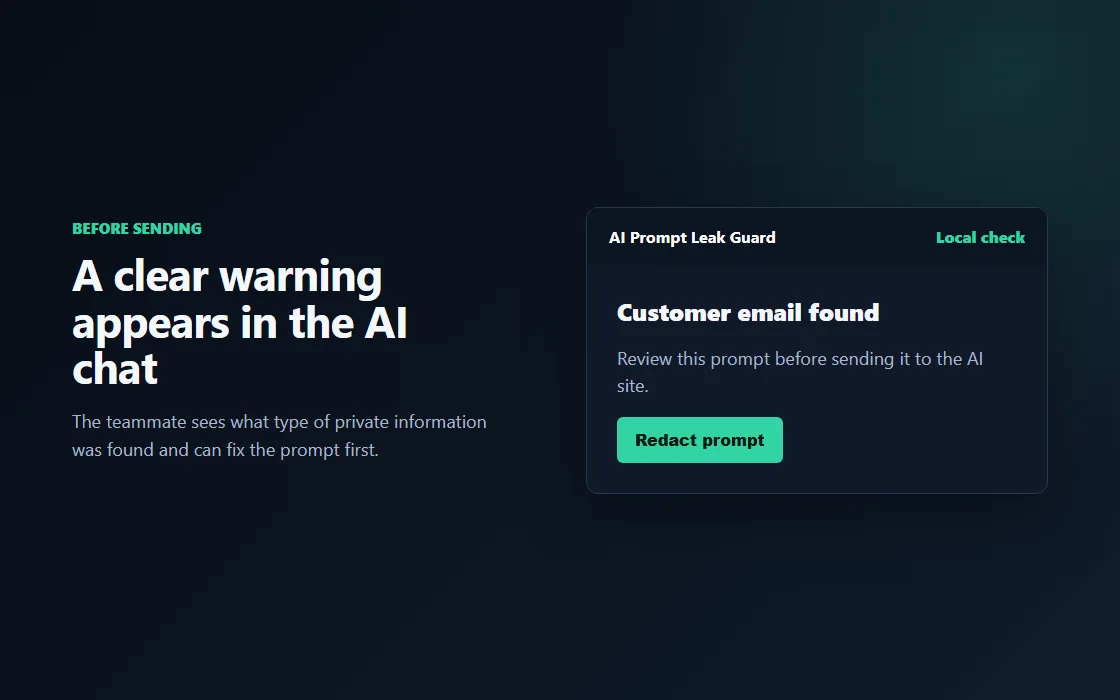
Examples:
- Customer email in a support reply.
- Phone number in a sales note.
- Client note copied into a draft.
Redaction For Quick Cleanup
For some risks, the user can replace the sensitive value and keep working.
The goal is simple: remove the risky part before the prompt is sent.
Firm Blocks For High-Risk Data
Some information should not leave the browser at all. Team rules can block those prompts.
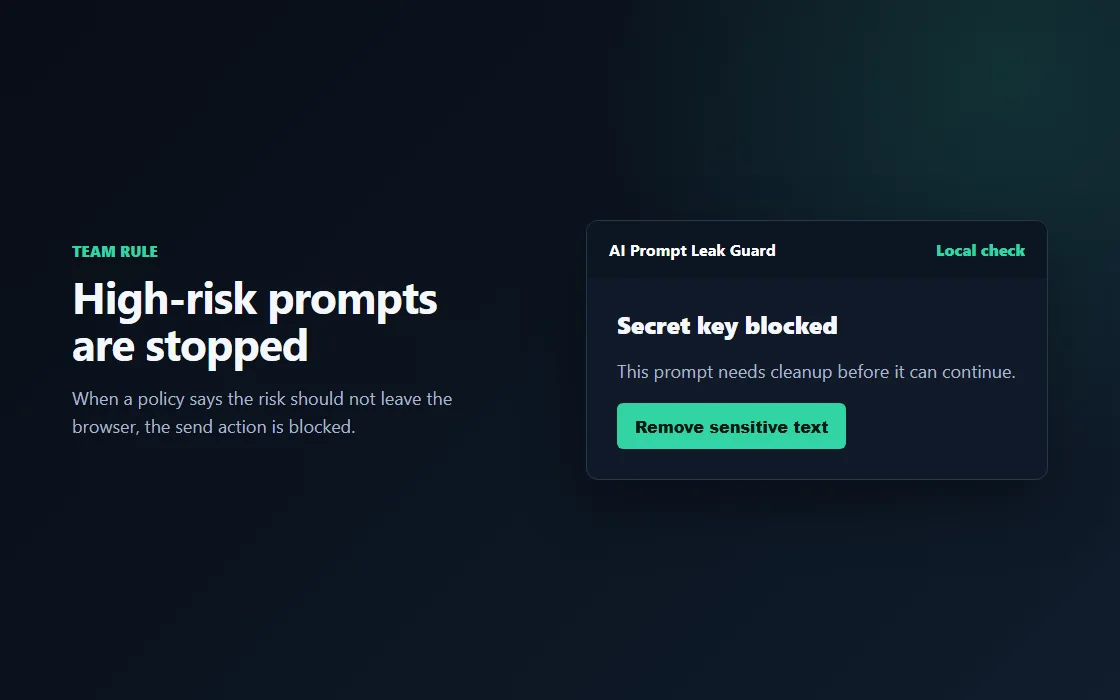
Examples:
- Secret keys.
- Payment details.
- Tax or government identifiers.
- Medical record details.
Upload Checks For Paid Teams
Local upload inspection is available in the separate sandbox evaluation build. Readable text can be checked locally; compressed, incomplete, image and unsupported content requires review. The standard release candidate does not activate paid upload features.
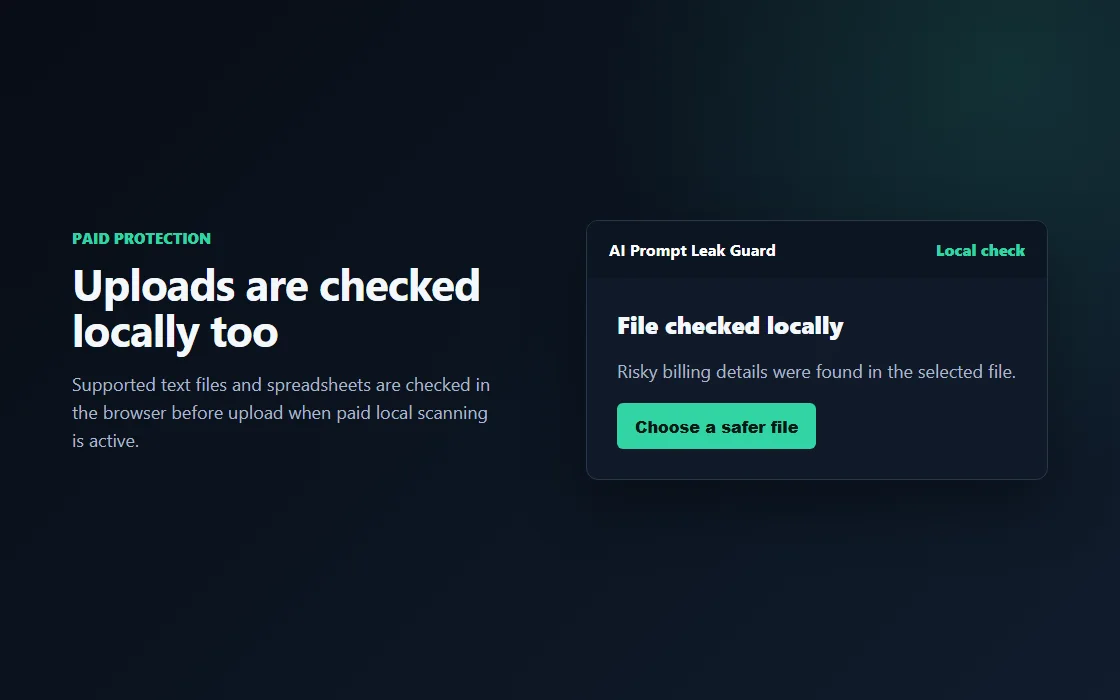
What users see:
- A file check starts after selecting an upload.
- The notice says whether the upload looks safe, risky, or needs review.
- Risky uploads are stopped locally before they are sent.
Simple Team Controls
Admins can choose how different risk types behave without editing confusing policy files.
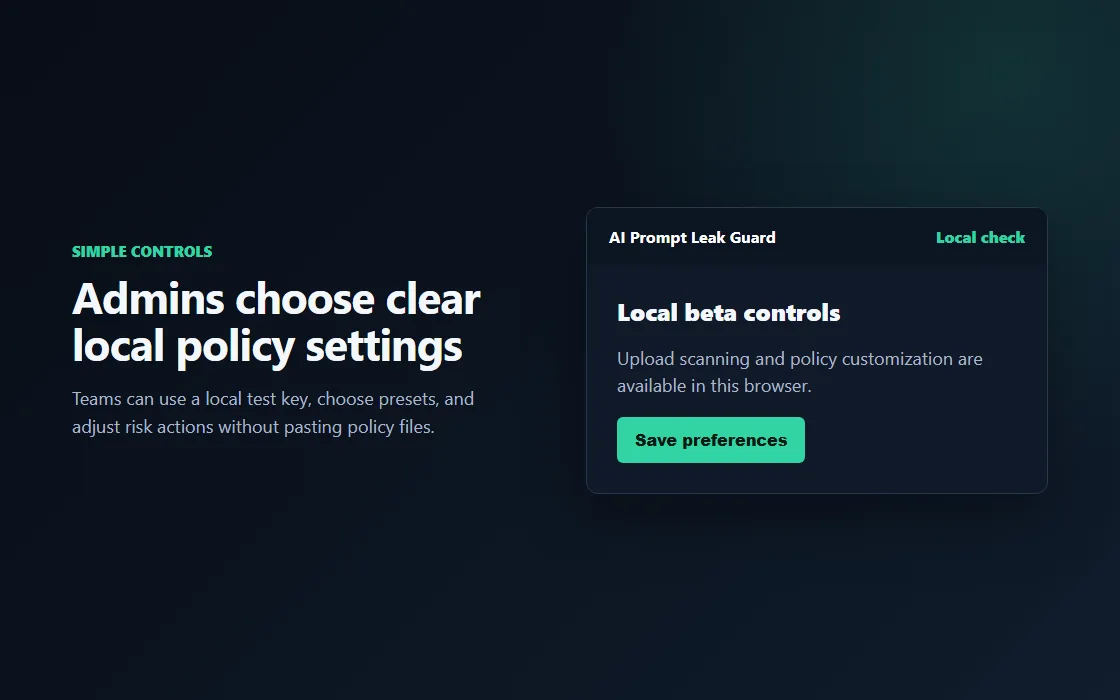
Common choices:
- Warn the user.
- Redact sensitive values.
- Block the prompt.
- Allow a one-time exception only when policy permits it.
Privacy First
Prompt checks stay in the browser. Paid team features are built around account and policy status, not uploading prompts.
What To Tell Teammates
Use AI tools as usual. If AI Prompt Leak Guard warns or blocks, remove the private detail and try again.